Firefox 87 launch packed with private browsing ‘SmartBlock’
Chrome will also begin sending users to HTTPS sites by default from release 90.

By Asha Barbaschow | March 24, 2021 — 05:23 GMT (22:23 PDT) | Topic: Security
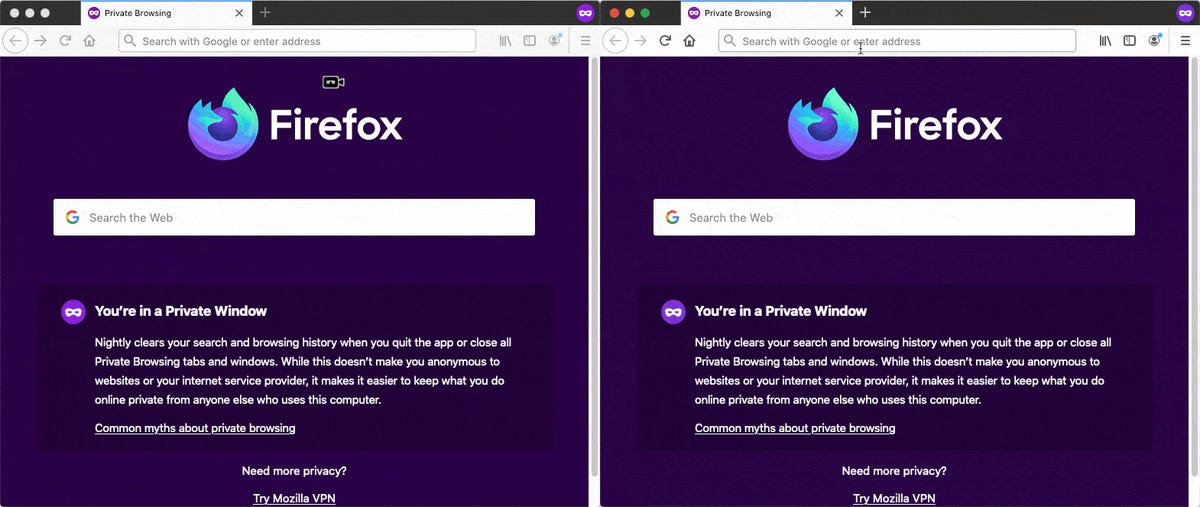
Mozilla has launched Firefox 87, with the latest version of the browser boasting “SmartBlock”, a new privacy feature touted as intelligently fixing web pages that are broken by tracking protections, without compromising user privacy.
SmartBlock aims to bolster Firefox’s built-in content blocking feature — available across both private browsing and strict tracking protection modes for the past six years — which blocks third-party scripts, images, and other content from being loaded from cross-site tracking companies reported by Disconnect.
Explained in a blog post, by blocking these tracking components, Firefox’s private browsing windows prevented these companies from watching users as they browse the internet. Doing so, however, risked blocking components that were essential for some websites to function properly.
“This can result in images not appearing, features not working, poor performance, or even the entire page not loading at all,” Mozilla explained. “To reduce this breakage, Firefox 87 is now introducing a new privacy feature we are calling SmartBlock.”
SmartBlock does this by providing local stand-ins for blocked third-party tracking scripts.
“These stand-in scripts behave just enough like the original ones to make sure that the website works properly. They allow broken sites relying on the original scripts to load with their functionality intact,” the blog said.
“We believe the SmartBlock approach provides the best of both worlds: strong protection of your privacy with a great browsing experience as well.”
Explore IBM Cloud Free Tier for India
Get started with your IBM Cloud Lite account and get FREE access to 40+ services. No credit card required. No time limits.White Papers provided by IBM
Over on Chrome, from version 90, the browser’s address bar will use “https://” by default, unless otherwise specified.
“Users often type ‘example.com’ instead of ‘https://example.com’ in the address bar. In this case, if it was a user’s first visit to a website, Chrome would previously choose http:// as the default protocol. This was a practical default in the past, when much of the web did not support HTTPS,” the Chromium blog explained.
It touted that the move would improve the initial loading speed of sites supporting HTTPS, in addition to being a privacy improvement.
This change will roll out initially on Chrome Desktop and Chrome for Android in version 90, with a release for Chrome on iOS to follow soon after.
 Bruce's Blog